Can an AI Web Browser be an Important Marketing Tool?
The Rise of AI Web Browsers: What Marketers Need to Know (and What to Watch Out For)

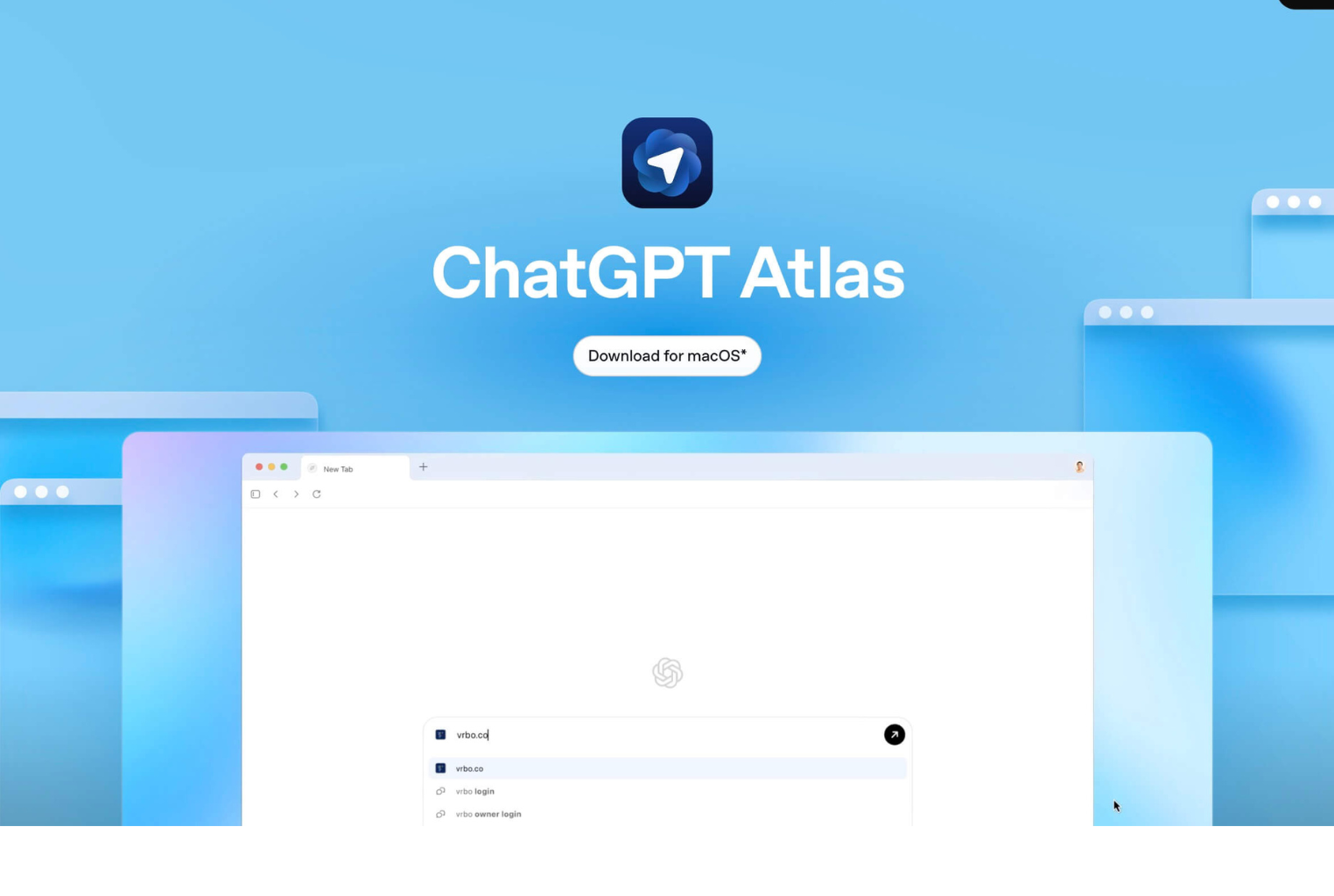
When OpenAI introduced ChatGPT Atlas, it didn’t just add another feature to its growing ecosystem, it redrew the line between search, browsing, and AI interaction. Atlas is more than a search engine or chatbot. It’s a full browser infused with AI, capable of reading pages as you browse, summarizing their content, and even taking actions on your behalf.
The browser has long been the silent layer of the internet, a window through which all marketing flows. Now that window can think, summarize, and even decide what your audience sees first. That’s both an opportunity and a disruption.
What Exactly Is an AI Browser?
An AI browser blends traditional browsing with generative-AI assistance. Instead of merely displaying web pages, it understands what’s on them, answers questions about them, and can act on behalf of the user.
As Wired described it, OpenAI’s Atlas “includes features like a sidebar window people can use to ask ChatGPT questions about the web pages they visit. There’s also an AI agent that can click around and complete tasks on a user’s behalf” (Wired, October 2025).
Other examples are emerging quickly: Microsoft Edge with Copilot built directly into the sidebar, and several startups building “AI-first” browsers that merge search, chat, and automation into one experience. As SEO.com put it, “AI browsers can automate tasks, summarize content, and guide you through research without having to turn to an external platform” (SEO.com, 2025).
Why Marketers Should Care
Most marketers spend their days inside browsers — researching competitors, auditing websites, managing campaigns, reviewing analytics. AI browsers could radically compress these workflows.
1. Faster Research and Insights
Instead of opening ten competitor sites and manually summarizing content, an AI browser can synthesize across open tabs. Ask it:
“Summarize the key messages across these five competitor blogs and show me where their content gaps are.”
That’s instant competitive intelligence. SEER Interactive notes that “an embedded AI panel can grab the ‘People Also Ask’ questions and draft SEO content in real time” — eliminating several manual steps in research and drafting (SEER Interactive, 2025).
2. Workflow Automation
Because AI browsers are agentic — meaning they can perform actions — they can execute certain tasks rather than merely describing them. That might include filling forms, saving data, or compiling summaries from multiple sites. This automation blurs the boundary between assistant and operator.
It also raises questions about measurement and authenticity. Search Engine Land cautioned that Atlas’s “mimicking of human clicks could drain ad budgets by generating artificial engagement” (Search Engine Land, 2025). The very tools that speed our work might also distort our metrics.
3. Rethinking Content Visibility
If the browser is the new front door, marketers need to ask: Will our content even be seen?
According to Okoone, “Brands no longer compete for clicks — they compete for presence inside AI-driven answers” (Okoone, 2025). That means marketers should design content that’s machine-interpretable — structured with schema, clear metadata, and concise summaries that AI can extract cleanly.
Traditional SEO is already morphing into AEO (Answer Engine Optimization). AI browsers will accelerate that evolution.
What Marketers Can Actually Do With an AI Browser
Here are several realistic, high-value use cases for marketers — the kind that go beyond novelty.
1. Competitive Content Audit
Open your competitors’ sites in multiple tabs.
Ask the AI browser:
“Summarize the last ten posts of each blog, list their unique topics, and identify the areas they haven’t covered.”
Follow with:
“Generate five blog ideas for our brand based on those gaps, with titles, meta descriptions, and keyword clusters.”
In a single workflow, you’ve replaced hours of manual research and brainstorming.
2. On-Page SEO and Localization
Open a page on your own site and prompt the browser:
“Audit this page for SEO issues (meta title, headers, alt text) and rewrite for [City, State] with localized copy and internal link suggestions.”
Because the browser has direct access to the page, it can evaluate structure and content together — a major leap from copy-and-paste into a chatbot.
3. Persona-Driven Messaging
Load discussion threads, LinkedIn posts, and competitor ads relevant to your niche. Then ask:
“Summarize what decision-makers value most in this category, and design a three-step funnel with suggested content and CTAs for each stage.”
This blends qualitative research with immediate creative ideation — a marketer’s dream when used judiciously.
How AI Browsers Differ from Traditional AI Apps
The simplest question most marketers will ask is: Can’t I just do this in ChatGPT or Gemini?
You can — but you’ll lose the contextual layer that the AI browser provides.
| Capability | Traditional AI App | AI Browser (e.g., Atlas) |
|---|---|---|
| Context Awareness | Only what you paste or upload | Understands current page, tabs, browsing history |
| Automation | Text-based output only | Can perform actions (clicks, data extraction) |
| Search Integration | Separate process | Built-in conversational search |
| Content Optimization | Requires manual input | Real-time analysis of live web content |
As OpenAI described it, “A browser built with ChatGPT takes us closer to a true super-assistant that understands your world and helps you achieve your goals” (OpenAI Blog, 2025).
That integration of understanding and action is what makes this more than a cosmetic feature.
But integration also means opacity: you don’t always know what data is being accessed or how the AI prioritizes sources. Marketers should remain cautious about letting automation stand in for critical judgment.
The Strategic Implications
AI browsers collapse the old marketing tech stack. Instead of toggling between tools — search, ChatGPT, Excel, CMS — the workflow happens inside one intelligent interface. That could make marketing work dramatically faster and leaner.
Yet, it also erodes traditional measures of visibility and performance. If AI browsers answer questions directly, organic traffic could decline even as brand exposure increases. Attribution will get murkier.
In other words, marketers will need to track influence, not just clicks.
A practical response is to design for dual audiences: humans and machines.
- For humans: keep your storytelling, design, and emotion.
- For machines: use structured data, clear hierarchy, and concise summaries.